AI TOOL / #02334
MacCopilot
A native macOS auxiliary application designed for use on screens where interactions with AI technologies take place.
Introduction
Native macOS copilot app for screen interaction with AI.
What is MacCopilot?
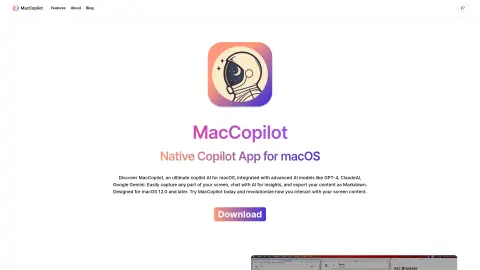
MacCopilot is a native macOS utility that can intelligently interact with the content on your screen. It integrates AI models such as GPT-4o or Gemini, allowing it to capture screenshots effortlessly and seamlessly connect with various AI platforms, thereby enhancing both productivity and creativity.
How to use MacCopilot?
To use MacCopilot, first activate your license by going to Preferences > General. Then, add the AI model by selecting Preferences > Models > Add Model. Use the menu options “Capture” or “Capture previous area” to capture the screen content. Press the ESC key to exit the selection process.
The core functions of MacCopilot
AI-driven interaction: Communicating with AI models regarding the content displayed on the screen.
Flexible screenshot capture: You can select and capture any part of the screen.
Seamless multi-platform support: Allows connection to multiple AI models, including OpenAI, Google, Anthropic, and Ollama.
Related
Chrome Extensions & Chrome Plugins Finder
A platform for discovering and exploring the best Chrome browser extensions.
Trend AI Tools
AI tool aggregator to help discover various tools.
Theee.ai: Access Over 50,000 GPTs Tools Powered by GPT4o for Free
A platform that aggregates over 50,000 free AI tools.
dang.ai
Dang.ai is a directory that offers more than 5,000 artificial intelligence tools, covering a wide range of categories.
OpenPeer AI Pre-Launch
Decentralized artificial intelligence platforms offer scalable and accurate AI solutions.
Mebot
RPA tools for automating repetitive tasks, reducing costs and increasing efficiency.