AI TOOL / #02447
Julius AI – Analyze Google Sheets with ChatGPT
An artificial intelligence data analysis tool designed for use with Google Sheets.
Introduction
AI-powered data analysis tool for Google Sheets.
What is the Julius AI Chrome extension/plug-in?
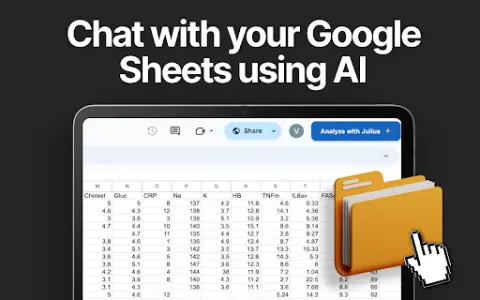
Julius is a data analysis tool powered by artificial intelligence. It utilizes ChatGPT and Anthropic to assist users in visualizing and analyzing their Google Sheets data. This Chrome extension enables users to connect their Google Sheets to Julius AI with just one click, enabling a range of data analysis tasks, the creation of dynamic visuals, easy extraction of valuable insights, and the generation of AI-generated reports.
How to use the Julius AI Chrome extension/plug-in?
1. Click “Add to Chrome”.
2. Open the Google Sheet you wish to analyze.
3. Set the sharing options of that Google Sheet to public.
4. In the top-right corner of the Google Sheet, click “Analyze cells A1:B5 using Julius”.
The core functions of the Julius AI Chrome extension/plug-in
Multifunctional data analysis based on GPT-4
Dynamic graphic generator for basic and advanced charts
Intuitive controls for data grouping, filtering, and transformation
AI-powered report writing
Related
ATOZAITOOLS
A free directory that helps users discover the best AI tools and technologies.
Higgsfield
AI-driven camera control that generates cinematic videos from photos.
QPEDIT
A Chrome extension integrated with QPNOTES, offering AI-powered writing, editing, and reminder management features.
InsightGPTs
An efficient text-generation AI plugin based on large language models.
SMMAI: AI Banner Maker
Skip the blank canvas – AI will instantly generate thousands of banners for you. Free web versions and iOS apps are available at any time!
Thirdi
An artificial intelligence-driven growth marketing platform that enables data-powered campaigns and enhanced customer interactions.