AI TOOL / #02660
Grok Button
A browser extension that provides quick access to Grok AI.
Introduction
A browser extension for quick access to Grok AI.
What is a Grok Button?
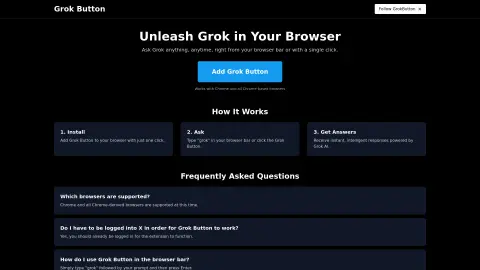
The Grok button is a browser extension that seamlessly integrates the powerful capabilities of Grok AI into your web browser. Users can submit their questions by entering “grok {your question}” in the browser address bar or by clicking the Grok button, and they will receive instant, intelligent responses.
How to use the Grok Button?
Install the Grok button extension. To use it, enter “grok” followed by your question in the browser address bar, then press Enter, or click the Grok button.
The core functionality of the Grok Button
Quickly access Grok AI from your browser.
Answer questions immediately
Integration with Chrome and Chrome-based browsers
Related
Stork
A collaborative workspace for human teams and AI agents, with an AI marketplace.
Futurepedia – Find The Best AI Tools & Software
A platform that allows users to search for and learn about the best AI tools and software for free.
Auto QR Code reader
A free, secure, offline QR code reader extension.
furhatrobotics.com
An advanced social robot featuring human-like facial expressions and conversational AI, suitable for research and commercial use.
mancer
An unfiltered LLM inference service that offers both free and paid models.
Brancher AI
A code-free platform used to connect AI models and build AI-powered applications.