AI TOOL / #09926
MacGaiver
An AI-powered macOS assistant that uses computer vision to answer questions regarding any application.
Introduction
AI-powered macOS assistant that answers questions about any application using computer vision.
What is MacGaiver?
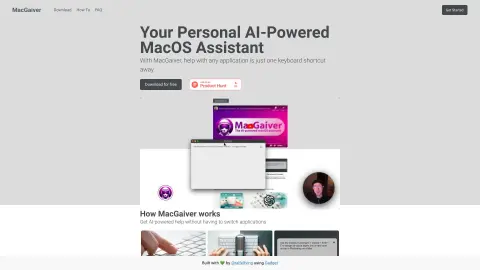
MacGaiver is an AI-powered macOS assistant that utilizes computer vision to answer questions regarding any application. By pressing a keyboard shortcut and posing your question, you can get assistance without leaving the current window. MacGaiver uses the OpenAI Vision API to provide answers in the context of your query.
How to use MacGaiver?
In any application, you can activate MacGaiver using keyboard shortcuts to submit your question—either in audio or text form. MacGaiver will then respond using answers derived from the context, relying on OpenAI GPT-V for its functionality.
The core features of MacGaiver
Provide AI-powered assistance within any macOS application.
Utilize computer vision to provide context-based answers.
Activate keyboard shortcuts
Integration with the OpenAI Vision API
Related
Word.Studio
AI-powered writing, brainstorming, research tools, and templates – all designed to help you achieve exceptional creative results.
mcp server
A directory for discovering and sharing Model Context Protocol (MCP) servers.
TalentRecruit
An AI-powered ATS software that encompasses the entire recruitment process, from candidate search to onboarding.
Old Norse Translator
A specialized tool designed for translating between Old Norwegian and modern Nordic languages.
Grok AI Image Generator 2.0
AI image generators allow you to create high-quality images quickly and easily based on text prompts.
BlueGPT
An all-around AI platform used for content generation, AI agents, and document analysis.